Halloween · for streamers
Stream the whole month with a face that isn’t yours.
Six AI-generated costume faces, swapped in real time in a browser tab and sent into OBS as a browser source. No plugin, no download, no GPU of your own.
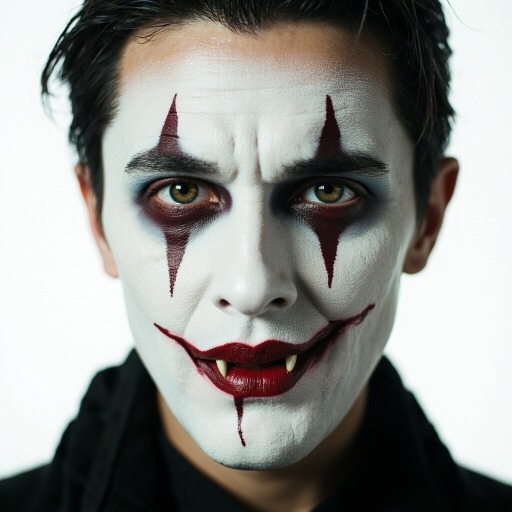
Vampire
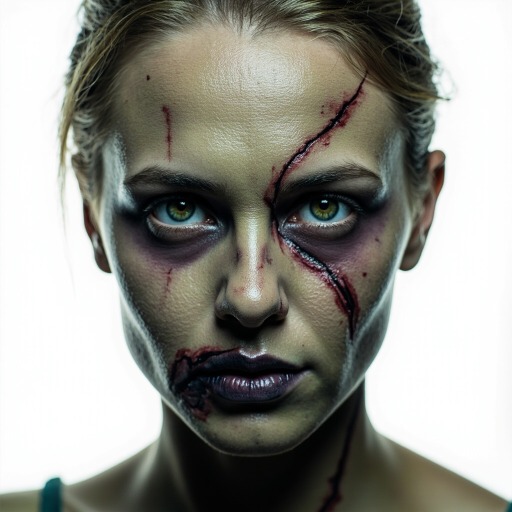
Zombie
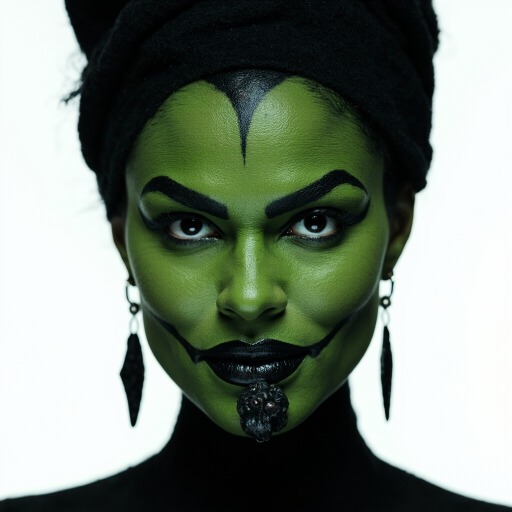
Witch
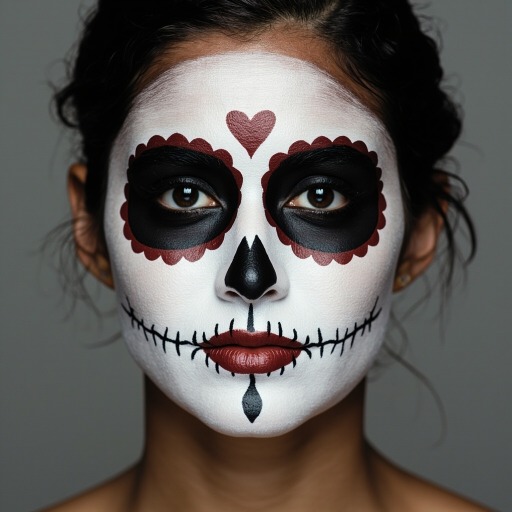
Skeleton
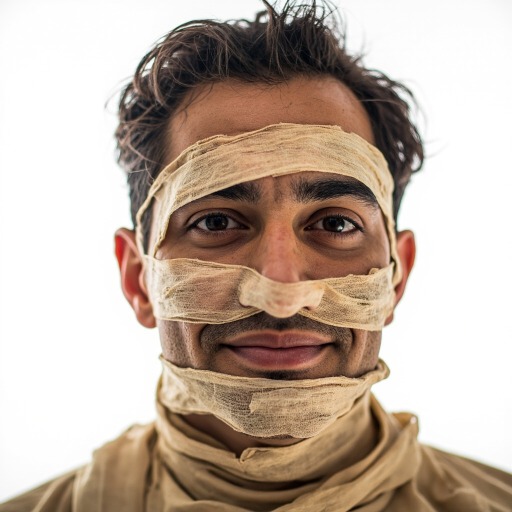
Mummy
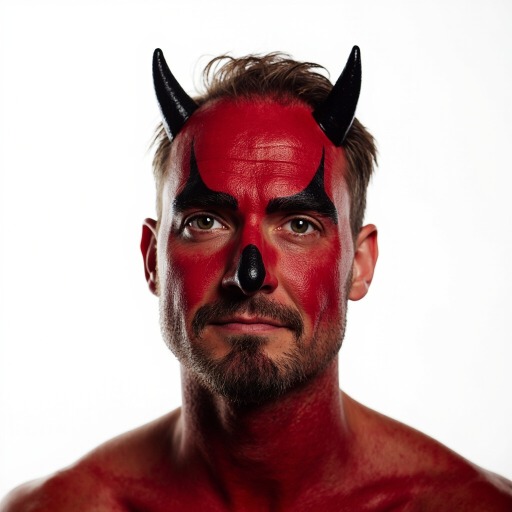
Devil
Into OBS as one source
The swapped output is a browser-source URL. Add it, size it, stream.
No plugin, no GPU
The swap runs on our GPUs; your machine only runs the browser and OBS.
Nobody’s face
All six are generated. No real person, nothing to clear, no VTuber rig to build.
How it works
Costume on, stream on.
- 01
Pick a costume
Vampire, zombie, witch, skeleton, mummy or devil — every one AI-generated, so no real person’s likeness goes out on your stream.
- 02
Run it in the studio
Sign in, open the studio, and the same six lead the face picker through November 2. Start the swap and your camera comes back wearing the costume.
- 03
Send it to OBS
Add the studio’s browser-source URL as a source in OBS, or capture the tab with Window Capture. The setup page walks through both.
Questions
Halloween on stream, answered.
6 costume faces in the pack, each checked against the same face detector the product runs — a costume the detector cannot find is a tile that never swaps.
What is the Liveswap Halloween pack?
Six costume faces Liveswap swaps onto your camera in real time, built for streaming: the output goes into OBS as a browser source. They are AI-generated, not real people.
Does it cost anything?
The browser demo is free: three 30-second runs a day, no account. Streaming with a costume face for a session runs through a Liveswap plan.
Does it work with OBS?
Yes — OBS Studio as a browser source or through Window Capture, and anything else that can add a browser source or capture a window works the same way.
Are these real people?
No. All six are generated, so there is no likeness to clear and nobody to ask. Liveswap is not for impersonating a real person on stream — the pack exists so you do not have to.